
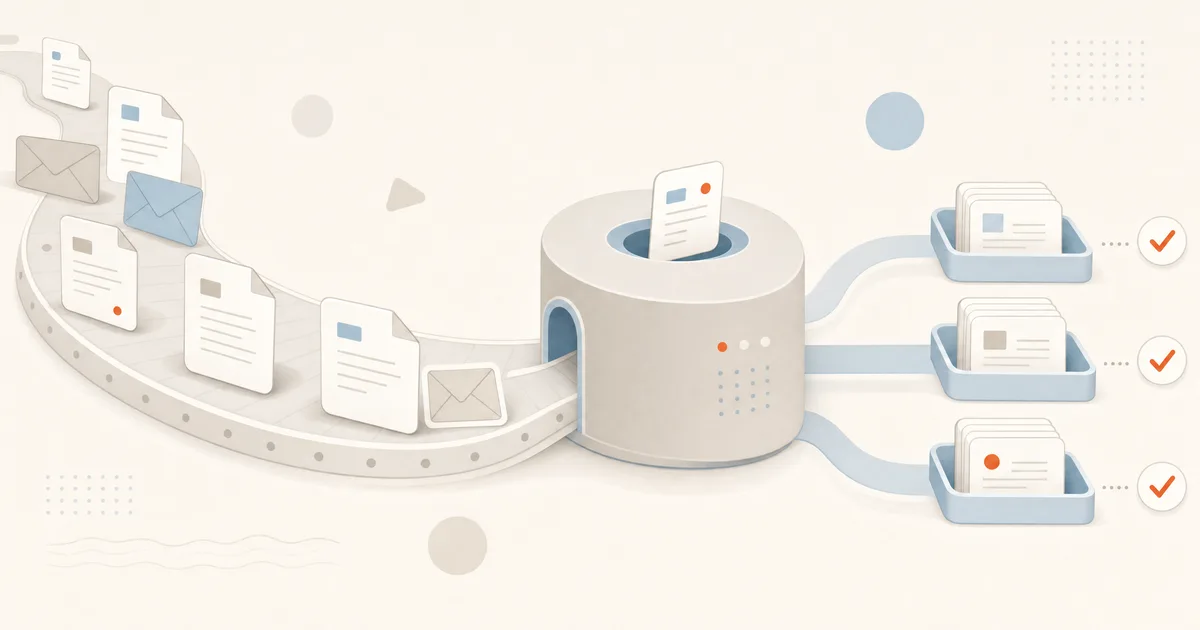
Most companies don't have an AI problem. They have a Tuesday-afternoon problem: someone is retyping an invoice into the accounting system, someone is answering the same customer question for the fortieth time, and someone is hunting for a contract in a shared drive. None of this work requires judgment. All of it can run without a human — with one reviewing the edge cases.
Here is what AI automation realistically handles in a company today, in the order most teams should tackle it.
Invoice processing, end to end
Incoming invoices are the textbook case. The pipeline looks like this: an invoice arrives by email or upload, AI extracts the structured data — supplier, amounts, line items, due date, bank details — and validates it against your records. Known supplier, matching purchase order, amount within tolerance? It's booked into the accounting system automatically. Anything unusual lands in a review queue with the extracted data pre-filled, so the human checks instead of retypes.
- Extraction works on PDFs, scans and photos — no supplier templates to maintain, unlike classic OCR tools.
- Validation rules are yours: PO matching, duplicate detection, bank-account change alerts (a common fraud vector).
- Every step is logged, so the audit trail is stronger than with manual entry, not weaker.
The same pattern covers receipts, expense reports and order confirmations. We’ve built this as a working prototype — see our finance use cases for what the full workflow looks like.
Email: triage first, answers second
A shared inbox is a queue without a queue system. AI fixes that in two stages. Triage comes first: every incoming message is classified — order question, complaint, invoice, supplier offer, spam — tagged with urgency, and routed to the right person or system. That alone removes the daily ritual of someone reading everything just to forward it.
The second stage is drafting answers. For questions your team has answered before, AI drafts the reply from your knowledge base, order data or past tickets, and a human approves or edits it. For the genuinely routine cases — delivery status, opening hours, document requests — the reply can go out fully automatically, with clear rules about what never gets auto-answered.
The honest framing: AI doesn't replace your support team. It removes the 60–80% of messages that never needed their expertise, so the team handles the rest faster and better.
Documents that file themselves
Contracts, delivery notes, certificates, HR documents — anything that arrives as a file can be read, classified, named consistently, filed in the right place and registered in the right system. Deadlines and obligations buried in the text (notice periods, renewal dates, payment terms) get extracted into a calendar or task system, so nothing expires silently.
Where humans stay in the loop
Good automation is explicit about its limits. Approvals above a threshold, anything legally binding, anything customer-facing with reputational risk, and every case where the AI's confidence is low — those go to a person, with the AI's work shown so the decision takes seconds, not minutes. The system earns more autonomy gradually, backed by logs of how it actually performed.
How to pick the first process
Don't start with the most impressive process. Start with the one that scores highest on three questions:
- Volume — does it happen daily, in quantities that hurt?
- Repetitiveness — would a competent new hire learn it in a week from written rules?
- Cost of an error — is a mistake cheap to catch and fix? (Start where it is.)
Invoice intake and email triage usually win on all three. A focused first automation ships in weeks, pays for itself visibly, and builds the internal trust you need for the bigger processes behind it.
If you want a concrete answer for your company, that’s literally our job: business automation is one of our core services. Tell us which process eats the most time and get a quote within 48 hours.